Bot Agent
Answer website chats with your own AI
GhostChat posts every visitor message to your endpoint. Your code calls whichever model you like and posts the reply back. Every conversation stays in your inbox, so you can step in at any point.
Included from Starter, $5/mo. Your own bot is covered by your plan; we never charge per message for it.
{
  "event": "message.new",
  "siteName": "My Store",
  "sessionId": "sess_abc123",
  "content": "What's your return policy?",
  "visitorEmail": "jane@example.com",
  "pageUrl": "https://mystore.com/checkout",
  "country": "US",
  "history": [ the earlier messages, oldest first ],
  …siteId, messageId, referrer, createdAt, assignedTo
}Authorization: Bearer gc_bot_… { "sessionId": "sess_abc123", "content": "30 days, and returns are free." }
How it works
Three steps, then it is your code
Create a bot key
On the AI page in your dashboard, choose My own AI and generate a gc_bot_ key.
Point it at your endpoint
Paste the HTTPS address your bot listens on. GhostChat posts each visitor message there while GhostChat's AI assistant is off for that site.
Reply with one request
Post the answer to /messages/owner with your key. It appears in the visitor's chat right away.
app.post('/ghostchat', async (req, res) => {
  // history = the earlier messages in this chat, oldest first
  const { sessionId, content, history } = req.body

  // Any model: Ollama, Claude, GPT, Gemini, your own RAG pipeline…
  const reply = await askYourModel(content, history)

  await fetch('https://api.ghostchat.dev/messages/owner', {
    method: 'POST',
    headers: {
      'Content-Type': 'application/json',
      Authorization: 'Bearer gc_bot_your_key_here',
    },
    body: JSON.stringify({ sessionId, content: reply }),
  })
  res.json({ ok: true })
})No server yet? Run npx ghostchat-agent --setup in an empty folder. It asks for your key and site ID, writes a starter knowledge base, opens a Cloudflare tunnel to your machine and saves it as your bot endpoint, so Claude can answer from there, using your own Anthropic key. ghostchat-agent on npm
Human takeover
Step in whenever you want
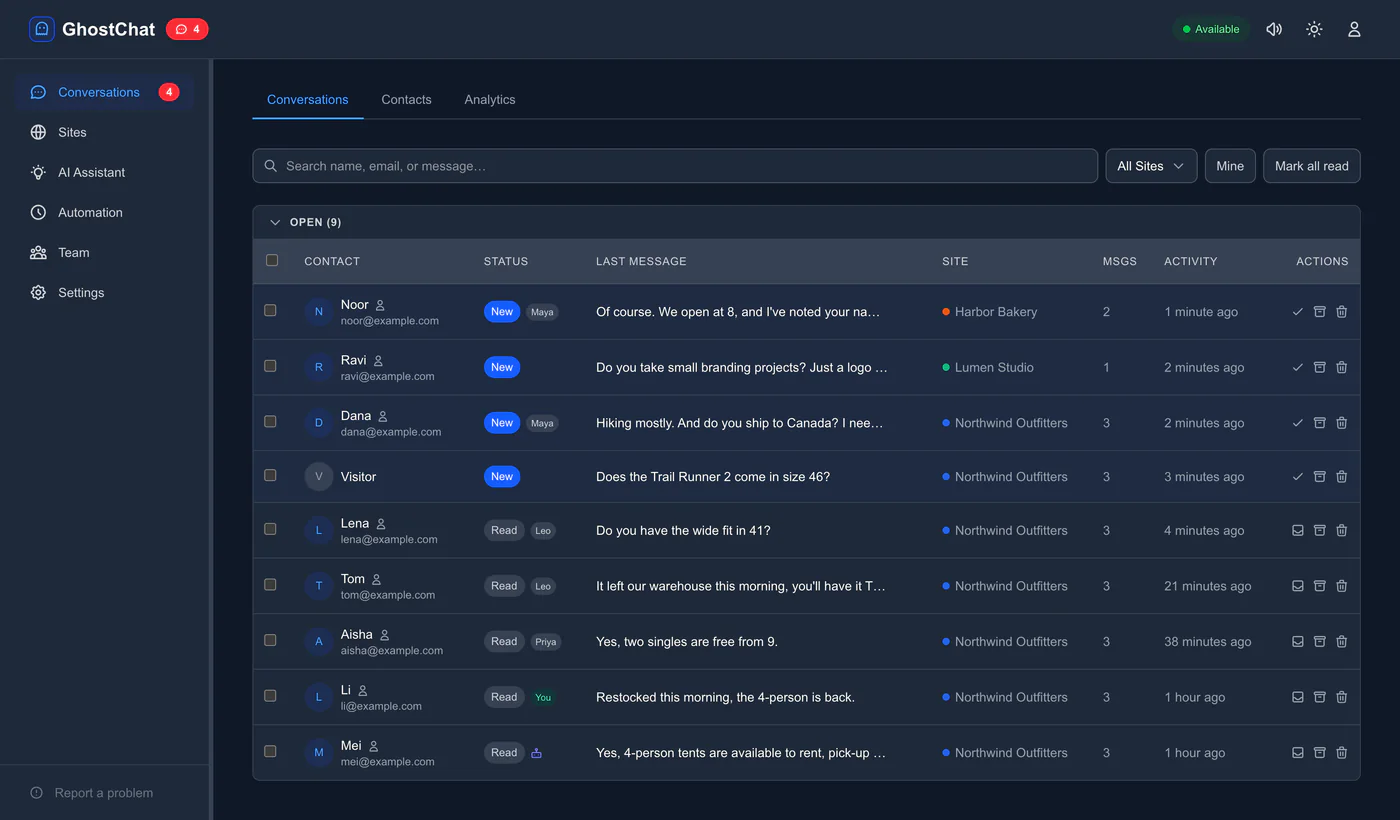
Bot conversations land in the same inbox as every other chat. Read them, search them, and type a reply at any point. There is no handoff to set up: your message goes straight to the visitor, and your bot stays quiet in that chat. If the chat goes quiet for 24 hours, the visitor's next message goes to your bot again.
Any model with an HTTP API
The webhook is a plain POST and the reply is another one. Whatever sits in between is up to you, and a model you run yourself with Ollama costs nothing per message.
OllamaClaudeGPTGeminiMistralGroqyour own pipeline
Questions
What happens if my bot is slow or down?
GhostChat posts the message once and does not retry. However long your code takes, the reply appears the moment it posts it. If your endpoint is down, the delivery shows as failed in Settings → Developer → Deliveries and the message waits in your inbox for a person.
Can a person take over mid-conversation?
Yes. Open the conversation in the dashboard and type. From then on your bot gets no messages from that chat; if the chat goes quiet for 24 hours, the visitor's next message goes to your bot again. There is no handoff step to configure.
Is this the same as the automation webhook?
No. Your bot has its own endpoint (AI page → My own AI), called while GhostChat's AI assistant is off for that site. The webhook in site settings is for notifications such as Slack or a CRM. Both receive message.new; only your bot's copy carries the earlier messages in the chat.
Do I need my own server?
You need an HTTPS endpoint that accepts a POST: a Cloudflare Worker, a Vercel Function, AWS Lambda or any small server. A free tier is enough.
Add live chat in 30 seconds.
One script tag. No configuration. No credit card required.